Commercial copywriting has a practical job: turn a business offer into a clear reason to act, then make sure the words still work after legal review, design changes, CMS paste, and client comments.
-
Brief
Name the reader, the offer, the proof, the action, and the placement.
-
Draft
Turn the offer into a decision, with claims the reader can check.
-
Format check
Read the copy in the page, email, or ad unit where it will ship.
-
Handoff
Send the version, the placement, and any claims that need approval.
Write the brief like a job ticket
Before writing headlines, pin down the job the copy has to do. A useful brief names the reader, the offer, the proof, the action, and the place where the copy will appear. If one of those is missing, the draft usually tries to solve too many problems at once.
Six lines is normally enough. Write them before the first headline and keep them at the top of the working file, so every later decision — a cut, a claim, a button label — has something to check against.
- Reader
- Operations manager at a 20–200 person logistics firm, currently tracking jobs in spreadsheets.
- Placement
- Landing page reached from a search ad for “shipment tracking software”. No prior context.
- Offer
- 14-day trial, no card, existing spreadsheet imported on day one.
- Proof
- Two customers who agreed to be named, a ten-minute import, security report available on request.
- Action
- Start the trial. Secondary action: book a 20-minute setup call.
- Limits
- Legal will not approve “fastest”; the pricing page is not live yet; the hero image is fixed.
When a field comes back blank, the question that fills it is usually short:
- No named reader: who approved the last purchase like this, and what were they using before?
- No proof: what can we show a sceptical reader — a number, a customer name, a screenshot, a guarantee?
- No action: what happens in the ten minutes after someone says yes?
- No limits: which words has legal, support, or finance refused before?
Keep the brief plain. A landing page, a product email, a paid ad, and a sales sheet may describe the same offer, but each one reaches the reader with a different amount of context: the ad has none, the email carries whatever the last touch left behind, the sales sheet arrives after a conversation. Write the setup the placement actually needs, not the setup the brief happens to contain.
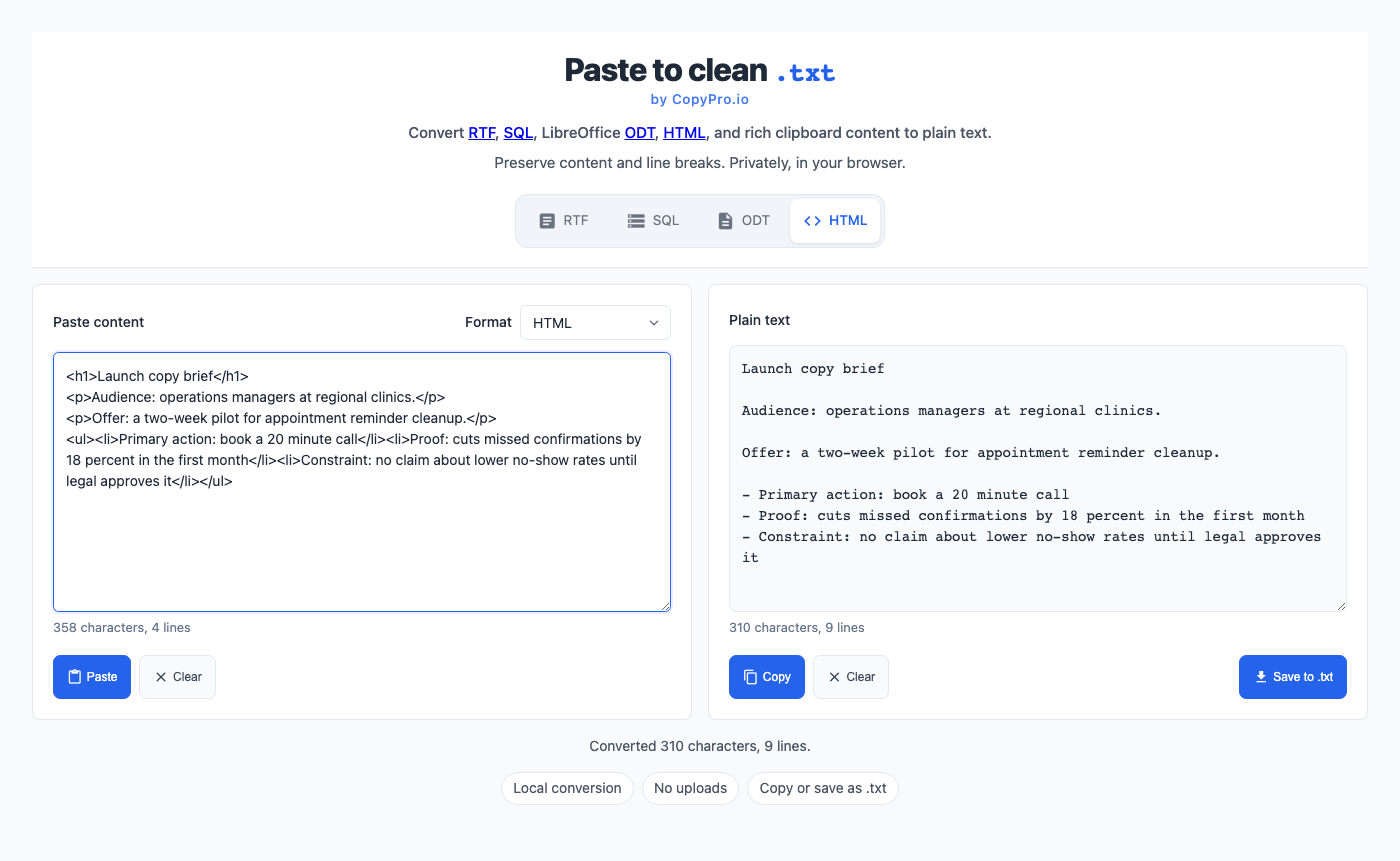
Turn the offer into a decision
A reader does not need every internal reason the company likes the product. They need enough information to decide whether the offer fits their situation. In practice they are running three quick checks: is this for someone like me, what will it cost me in money, time, and risk, and what happens if I say yes.
Before the reader scrolls, the opening should already answer four questions:
- What is this? Name the category in the words the reader would use — “shipment tracking software”, not “logistics intelligence layer”.
- Who is it for? A qualifier such as “for teams running under 500 shipments a month” sorts readers better than any superlative.
- Why believe it? One checkable piece of proof beats three confident adjectives.
- What do I do next? One primary action, with the cost of taking it stated: card or no card, call or no call, minutes or weeks.
Everything after that is support. If a section does not help one of those four answers, it belongs further down the page or in a different asset.
- Name the product, service, or outcome in the headline or first sentence.
- Say who it is for before listing features.
- Place the call to action where the reader has just gained a reason to act, then repeat it at the end.
- Replace broad claims with proof, limits, examples, or conditions.
- Cut any sentence that would remain true if a competitor published it word for word.
Use examples instead of inflated claims
Weak commercial copy often hides behind adjectives: advanced, powerful, effortless, trusted. Stronger copy gives the reader something concrete to inspect. A claim can still be short, but it should carry a noun, a verb, and a checkable idea.
Vague
Our platform helps teams move faster with less manual work.
Clearer
Paste meeting notes, assign owners, and send the follow-up list before the call ends.
Vague
Trusted by industry leaders worldwide.
Clearer
Used by 40 logistics teams to track 1.2 million shipments last year.
Vague
Get started in minutes with our seamless onboarding.
Clearer
Import your spreadsheet and see your first live board in about ten minutes. No card.
The clearer versions are not longer or cleverer. They simply name something the reader could check, disagree with, or picture themselves doing.
Most adjectives can be walked down one rung at a time until they become checkable:
- Adjective
- Powerful reporting.
- Capability
- Reporting you can filter by carrier and lane.
- Mechanism
- Filters run over your last 24 months of shipment data, no export needed.
- Evidence
- A customer’s monthly carrier review went from four hours to one.
You rarely need the bottom rung everywhere. One or two evidence-level claims per page, placed next to the action, do more work than a full page of capability language — and they are the claims worth spending review time on.
Draft in the format where the copy will live
Copy changes when it leaves the document. A headline that looks balanced in a doc may wrap badly in a mobile card. A paragraph that feels short in a brief may fill half an email. Check the words in the actual format before calling the draft ready.
Each placement has a point where it breaks. These budgets are rough, but they are close enough to write against:
| Placement | Where it breaks | Practical budget |
|---|---|---|
| Landing page headline | Wraps to three lines on a 390px screen | 6–10 words, one idea |
| Email subject line | Truncated in mobile inboxes | Front-load the specifics in the first 35–45 characters |
| Email preview text | Falls back to the first body line when left unset | Write it on purpose: one sentence, roughly 40–90 characters |
| Search snippet | Cut near 155 characters, and often rewritten by the search engine | One sentence naming the page’s offer, useful even if trimmed |
| Button label | Generic labels break the promise made just above them | 1–3 words, verb first, echoing the heading |
| Paid social or display | Competes with the image and the platform’s own chrome | One claim per unit, no second idea |
| Sales sheet or deck | Read aloud in a meeting rather than scanned | Each slide understandable in about 15 seconds |
- Read the copy in the page, email, ad unit, product screen, or deck where it will ship — at mobile width first.
- Check line breaks, button labels, link text, and phrases repeated between the headline and the body.
- Make sure the main action still appears before the reader loses context on a small screen.
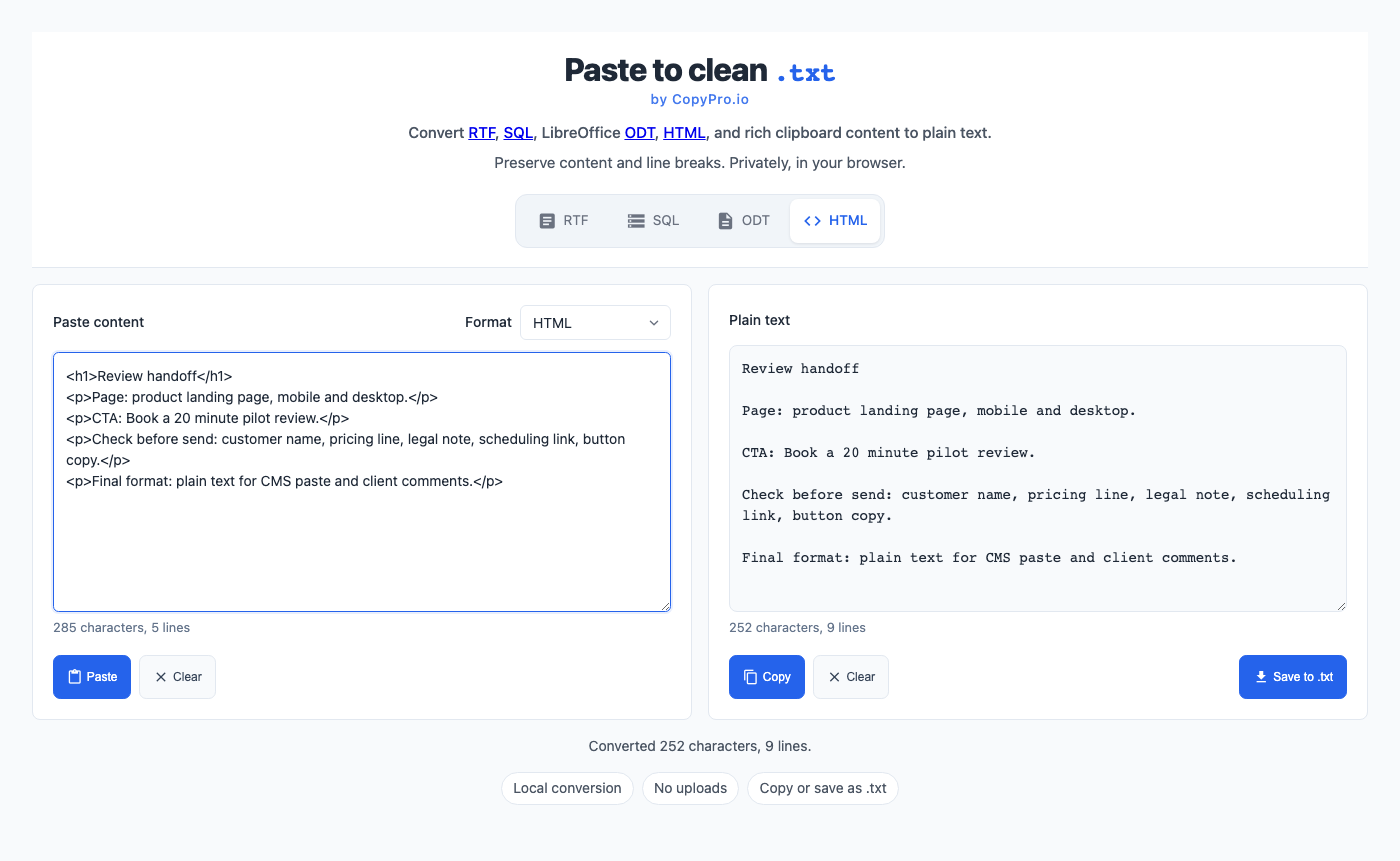
- Keep one clean plain text version for review and paste targets, so document formatting never travels into the CMS.
Run a 20-minute self-edit before anyone else reads it
Most rounds of feedback are spent on problems the writer could have found alone. A timed pass, in this order, removes the majority of them:
- Two minutes — reread the brief. Does the headline speak to the reader named there, in the placement named there?
- Five minutes — cut. Delete every sentence that would survive a find-and-replace of your company name with a competitor’s, and every adjective you cannot support.
- Five minutes — check the action path. One primary action, stated where the reader has a reason to take it, with a label that matches the promise above it.
- Three minutes — read it at mobile width in the real format, not the document.
- Three minutes — verify the facts. Numbers, product names, prices, dates, and links, checked against a source rather than memory.
- Two minutes — read the first and last sentence together. If the offer changed between them, the middle needs work.
Make review boring on purpose
A good handoff reduces surprises. Give reviewers the version, the intended placement, any claims that need approval, and the exact action you want from them. That keeps feedback focused on the work instead of the file format.
A short note above the draft does most of that job:
Draft:          Trial landing page, v3
Placement:      /trial, paid search traffic
Changed:        headline, proof block, button label
Needs approval: "about ten minutes" (support), security report line (legal)
Open question:  keep the pricing line, or wait for the pricing page?
Review by:      Thursday 12:00, comments in this doc
Vague feedback usually means the brief broke down somewhere. Rather than rewriting on instinct, translate the comment back into a question about the brief:
| Comment | Question to ask back |
|---|---|
| “Make it pop.” | Which of the four opening questions is still unanswered when you read it? |
| “It feels too salesy.” | Which claim has no proof behind it yet? |
| “Can we also mention…” | Does that belong to this reader and this placement, or to a different asset? |
| “I preferred the old version.” | Which sentence, and what did it do that this one does not? |
Before sending the copy, check product names, links, prices, dates, legal terms, and anything that could become a public promise. Reading it out loud once is the cheapest way to catch a sentence that only works on paper. Commercial writing is still writing, but the last pass is closer to quality control than inspiration.
Handoff checklist
- Audience and placement are named at the top of the file.
- Headline, body, and action describe the same offer.
- Every claim has proof, a link, or an explicit note that it needs approval.
- Links, product names, prices, dates, and legal language are checked against a source.
- The copy has been read at mobile width, in the format it will ship in.
- Reviewers know what to approve, by when, and where to leave comments.
- Final copy is available as clean plain text plus the client’s required format.
Useful reading
- How Users Read on the Web, Nielsen Norman Group The scanning behaviour your headline and layout have to survive.
- Federal Plain Language Guidelines, plainlanguage.gov Sentence-level rules that hold up when legal starts editing.
- Writing for GOV.UK, Government Digital Service How to write for someone who arrived with a task, not an interest.
- Copywriting 101, Copyblogger A fast refresher on structure, headlines, and offers.
- Copywriting examples, HubSpot Annotated commercial pages to compare your draft against.